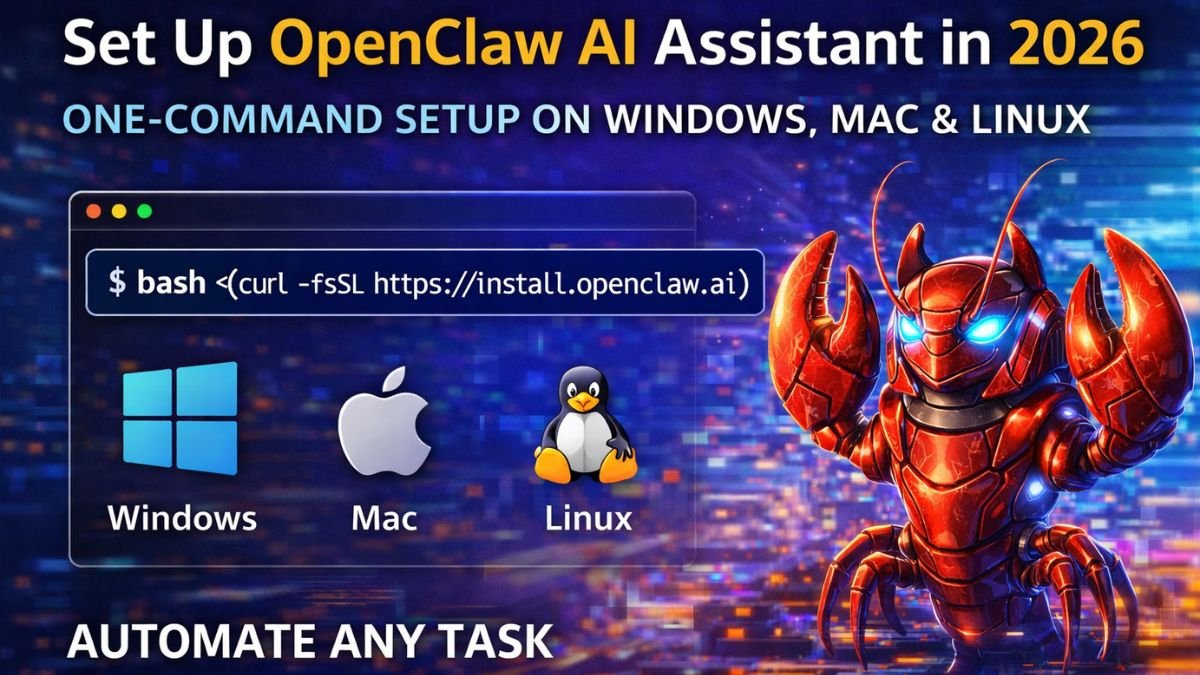
Setting up your own AI assistant is no longer complicated. In 2026, tools like OpenClaw have made it possible to automate tasks, manage workflows, and build a powerful digital assistant without needing advanced technical skills. If you want to run your own “Jarvis-style” AI system, this guide will walk you through the complete installation process on Windows, Mac, and Linux using the easiest one-command method.
What Is OpenClaw AI?
OpenClaw is an advanced AI agent designed to perform real tasks instead of just generating responses. Unlike traditional AI tools that only work inside chat interfaces, OpenClaw can execute actions, automate workflows, and integrate with different platforms.
It works like a personal assistant that can:
- Automate repetitive online tasks
- Manage messages and workflows
- Generate reports and content
- Interact with apps and systems
Because it can run locally or on a VPS, OpenClaw gives you full control over your data and automation setup.
Why Use OpenClaw in 2026?
AI is moving beyond simple chatbots. The focus is now on action-based AI agents that can actually complete tasks.
Here’s why OpenClaw is gaining popularity:
- Saves time by automating daily tasks
- Works 24/7 when hosted on a VPS
- Integrates with apps like Telegram, Slack, and more
- Supports memory to learn your habits
- Gives more control compared to cloud-only AI tools
System Requirements
Before installing OpenClaw, make sure your system is ready.
Minimum Requirements:
- 8GB RAM (16GB recommended)
- 20GB free storage
- Stable internet connection
Supported Platforms:
- Windows 10/11
- macOS (Intel & M1/M2/M3)
- Linux (Ubuntu recommended)
Required Software:
- Python 3.10+
- Git
- Curl
- Node.js (optional for UI)
One-Command Installation Method (Fastest Way)
The easiest way to install OpenClaw is using a one-command script. This method handles everything automatically.
Step 1: Open Terminal
- Windows: Command Prompt / PowerShell
- Mac: Terminal
- Linux: Terminal
Step 2: Run the Command
bash <(curl -fsSL https://install.openclaw.ai)
What This Command Does:
- Downloads OpenClaw files
- Installs dependencies
- Sets up environment
- Prepares system automatically
Within a few minutes, your AI assistant will be ready.
Manual Installation Method (Advanced Users)
If you prefer more control, you can install OpenClaw manually.
Step 1: Clone Repository
git clone https://github.com/openclaw/openclaw.git
cd openclaw
Step 2: Create Virtual Environment
python -m venv venv
Activate:
- Windows:
venv\Scripts\activate
- Mac/Linux:
source venv/bin/activate
Step 3: Install Dependencies
pip install -r requirements.txt
Step 4: Add API Key
Create .env file:
OPENAI_API_KEY=your_api_key_here
How to Run OpenClaw
After installation, start the system using:
python main.py
You can now interact with OpenClaw via:
- Terminal
- Web interface
- Connected apps
Connect OpenClaw with Chat Apps
To make your AI assistant more useful, connect it with messaging platforms.
Supported Integrations:
- Telegram
- Slack
- WhatsApp (via API)
This allows you to control OpenClaw through simple chat commands like:
- “Create daily report”
- “Summarize emails”
- “Schedule tasks”
Run OpenClaw on VPS (Recommended)
If you want your AI assistant to work 24/7, using a VPS is the best option.
Benefits:
- Always online
- Better performance
- More secure than personal PC
- Ideal for automation
Basic Setup:
- Buy a VPS (Ubuntu preferred)
- Connect using SSH
- Run installation command
- Keep it running using
screenortmux
Security Best Practices
OpenClaw is powerful, but it requires permissions. Use it carefully.
Important Tips:
- Never give access to banking apps
- Avoid sharing passwords
- Use isolated VPS environment
- Monitor logs regularly
- Limit permissions
Security should always be your priority when using AI agents.
Common Errors and Fixes
Command Not Working
Install curl:
sudo apt install curl
Python Version Issue
Check version:
python --version
Permission Errors
chmod +x install.sh
OpenClaw Workflow (Simple Overview)
- Install OpenClaw
- Configure environment
- Connect apps
- Give commands via chat
- AI executes tasks
- Monitor and improve
This simple workflow turns OpenClaw into a powerful assistant.
Final Thoughts
OpenClaw is one of the most powerful AI agent tools available in 2026. It goes beyond simple chatbots and allows you to automate real tasks, manage workflows, and build your own digital assistant.
With the one-command installation method, setting it up has become simple and beginner-friendly. Whether you run it on your local system or a VPS, OpenClaw can significantly improve your productivity.