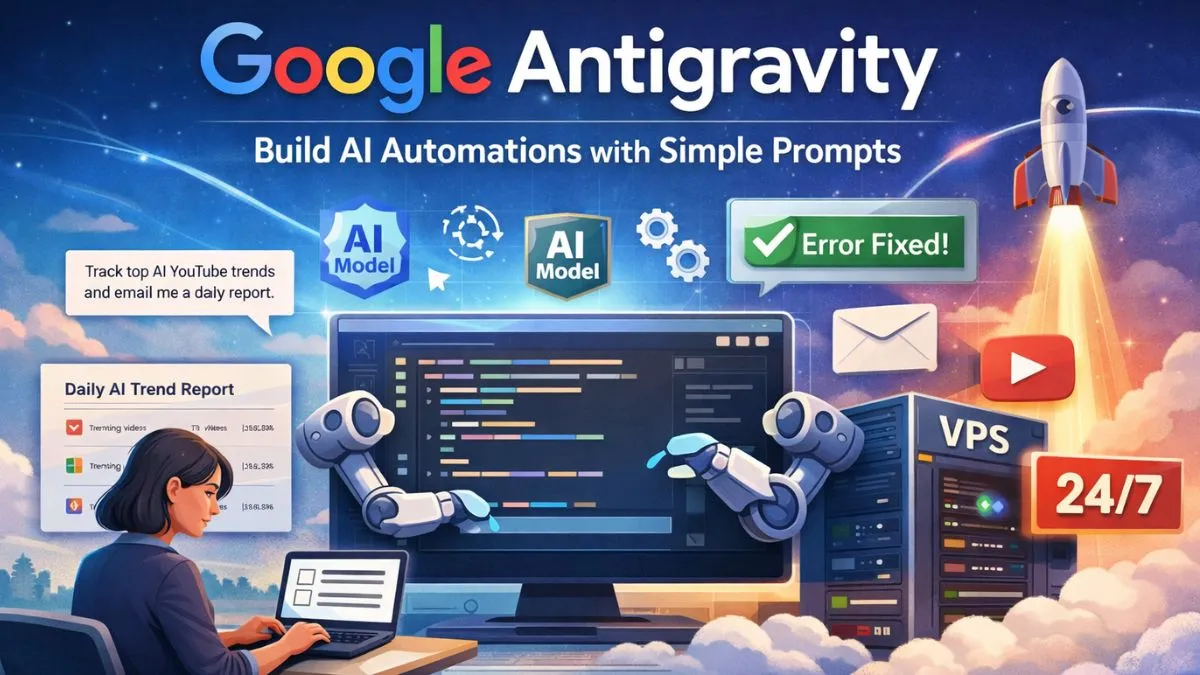
AI Automations: In 2026, building AI automations does not have to feel complicated anymore. Earlier, if someone wanted to create AI workflows or agents, they had to depend on tools like n8n. These tools are powerful but often confusing for beginners. Setting up nodes, APIs, credentials, and fixing random workflow errors takes time and energy. For solo creators, small business owners, and content creators, this complexity becomes a big barrier.
Google Antigravity has made this process much simpler. Instead of designing complex workflows, you can describe your automation in plain English. The system understands your goal and creates the full automation for you. It acts like an AI-powered code editor where models plan tasks, write code, and fix errors automatically. This saves hours of manual work and reduces the chances of workflows breaking unexpectedly.
Why Google Antigravity Is Better Than Traditional AI Automation Tools
One of the biggest advantages of Google Antigravity is access to powerful AI models. Many of these models are expensive when used through APIs, but Antigravity provides easier access with better value. This is one of the reasons why many creators are moving away from traditional automation tools. The setup is faster, the interface is simpler, and the automations feel more stable in real-world use.
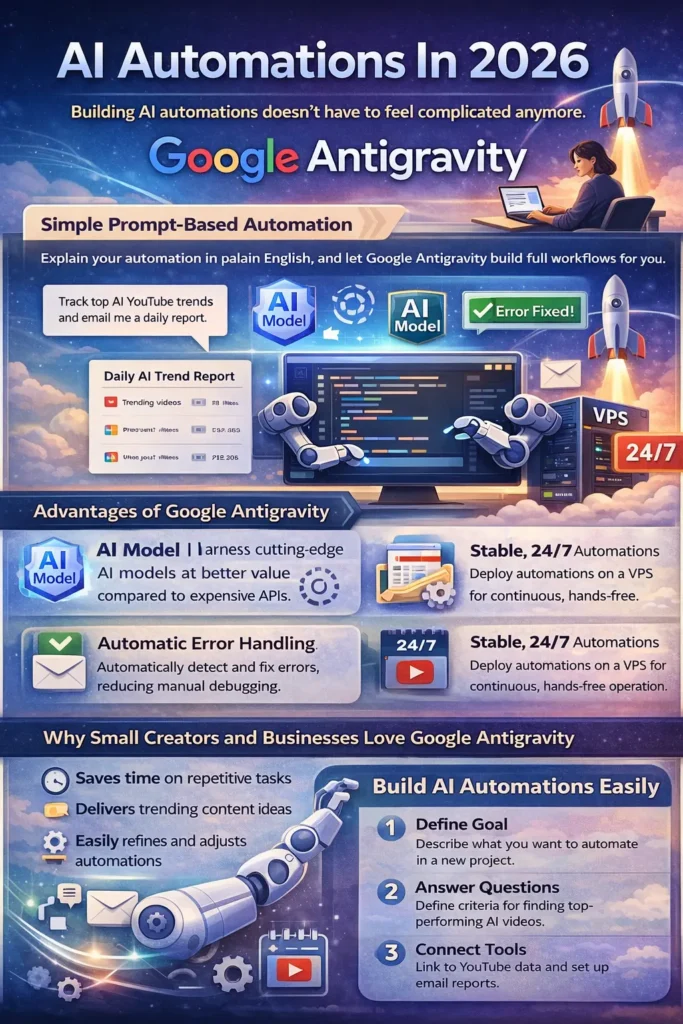
Another benefit is that Google Antigravity handles errors more gracefully. If something breaks, the system can often detect the issue and suggest fixes automatically. In tools like n8n, even a small configuration error can break the entire workflow and force you to debug everything manually.
Real Example: YouTube AI Trend Tracking AI Automation
A practical use case of Google Antigravity is building an AI automation to track YouTube trends in the AI niche. Instead of manually searching YouTube every day, the automation can search for AI-related keywords, find videos that are performing better than average, and send a daily email report. This is useful for YouTubers, bloggers, marketers, and anyone who wants to stay updated with trending content in AI.
This type of AI automation helps you understand what kind of videos are working, what topics are gaining traction, and how competitors are performing. Over time, this data can help you improve your own content strategy and save a lot of research time.
How the Automation Is Built Using Simple Prompts
To build this AI automation, you start by creating a new project folder and opening it inside Google Antigravity. You then describe what you want to build in simple language. For example, you can explain that you run a YouTube channel about AI tools, no-code automation, and startup ideas, and you want to track high-performing videos in the same niche.
After that, Google Antigravity will ask a few basic questions. It may ask how you define an outperforming video, such as videos that get more views than the channel average within the first 24 hours. It may also ask how recent the videos should be, like only checking videos from the last 24 hours. These details help the automation filter out low-quality results.
Connecting YouTube Data and Email Reports
To collect YouTube data, you can connect a YouTube search or scraping API. You only need to provide the API key once, and the system handles the integration. If your API credits run out or something fails, you can update the key and the automation can continue working without rebuilding everything.
For email reports, Gmail with an app password is one of the easiest options. Once connected, the automation can send daily emails with video titles, links, view counts, and publish times. This gives you a simple daily report of what is working in your niche.
Deploying the Automation to Run 24/7
Before going live, it is best to test the automation locally. This helps confirm that emails are arriving correctly and that links open properly. Once everything looks good, you can deploy the automation on a VPS so it runs 24/7, even when your laptop is turned off.
VPS hosting is affordable and works well for running scheduled automations. Once deployed, your automation will run every day at your chosen time and send reports automatically without any manual input.
Improving and Customizing Your AI Automation
You can improve the automation over time by adding more filters. For example, you can ask it to show only videos from small channels, or filter videos based on minimum views, or focus on specific AI keywords like AI agents, automation tools, or no-code platforms. You can change these settings by simply describing the update, and the system will adjust the automation for you.
This flexibility allows you to refine your workflow as your content strategy evolves. You do not need to rebuild everything from scratch each time you want to change a rule or condition.
Why This Approach Is Useful for Creators and Small Businesses
For content creators and small businesses, this kind of AI automation is extremely useful. It saves time, removes repetitive research work, and helps you discover trending content ideas early. Instead of guessing what might work, you get real data delivered to your inbox every day. This allows you to plan better content, improve your strategy, and stay competitive in the fast-moving AI space.
This method reflects real usage and practical experience. The automation is built, tested, and deployed for daily use, which makes it trustworthy and useful for anyone looking to build similar AI workflows in 2026.
Final Thoughts
Google Antigravity makes AI automation accessible to everyone. You no longer need complex tools or deep technical knowledge to build AI agents. With simple instructions and basic setup, you can create powerful automations that run on their own, save time, and help you grow your AI projects in 2026 and beyond.